
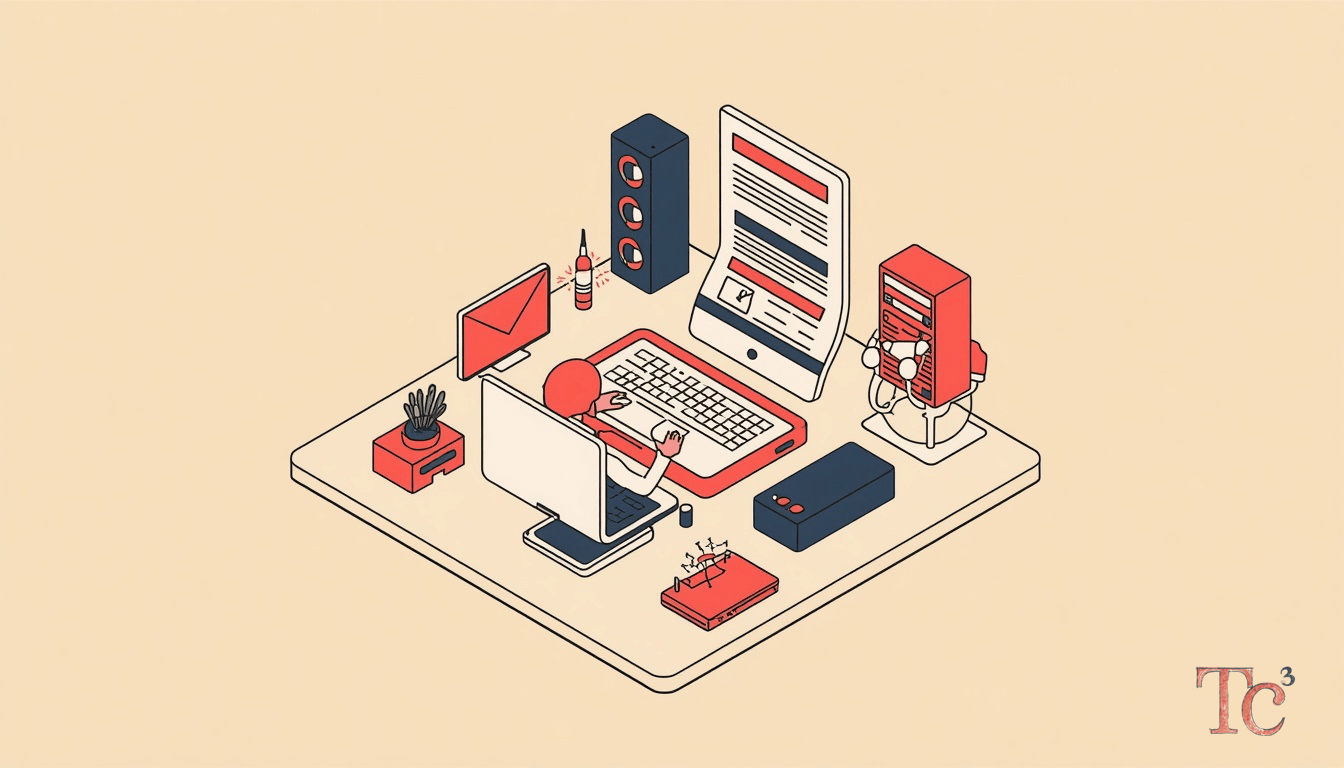
Phishing training is no longer optional when attackers are using Google Forms, Google Drive, and Google Sites to deliver credential-stealing attacks that look completely legitimate. For small and mid-sized businesses, the problem is straightforward: your spam filter trusts Google, your employees trust Google, and hackers know it.
A recent wave of attacks demonstrates how threat actors are embedding phishing pages inside Google services, using the google.com domain to bypass email security and fool even cautious users. The attacker sends a link to a Google Form or a shared Google Doc. The email passes every technical check. The link goes to a real Google property. But the content inside is designed to steal your Office 365 password, your bank login, or your vendor portal credentials.
For a professional services firm, that stolen password might open up client files, engagement letters, or billing records. For a manufacturer, it could mean access to supply chain systems, shipping schedules, or proprietary CAD files. Either way, the breach starts with a single click from an employee who thought they were opening a shared document.
Why do hackers use trusted platforms for phishing attacks?
Hackers use trusted platforms because they inherit the reputation and security standing of the brand. When an email arrives from Google, Microsoft, or Dropbox, most security tools give it a pass. The domain is legitimate. The SSL certificate is valid. The sender is not on any blocklist. Traditional email filters look for known-bad domains and suspicious attachments, but a link to docs.google.com or forms.google.com sails through.
The human side is just as important. Employees see the Google logo, the familiar blue-and-white interface, and the URL that starts with https://google.com. All the visual cues say safe. An employee who would never click a link to sketchy-site-12345.xyz will confidently open a Google Form without a second thought.
Attackers also appreciate the operational benefits. Google services are free, anonymous, and disposable. A threat actor can spin up a new Google Form in 60 seconds, send a hundred phishing emails, harvest credentials for a few hours, and delete the form before anyone reports it. No infrastructure to rent, no domain to register, no trail to follow.
What does a Google-hosted phishing attack look like?
The attack begins with an email that appears to come from a colleague, a vendor, or a service provider. The message says a document has been shared, a payment is pending review, or a project file needs your approval. The link points to a real Google service.
When the employee clicks, they land on a Google Form or a Google Site that mimics a familiar login page. It might look like Office 365, Adobe Sign, DocuSign, or even your bank. The page asks for an email address and password. The user types them in and hits submit. The credentials go straight to the attacker, and the user is redirected to a real document or a generic error page.
From the employee’s perspective, nothing seems wrong. Maybe the document failed to load, or maybe they already had access and the login was redundant. They move on. Meanwhile, the attacker is testing that password against your email server, your accounting software, and your cloud backup.
Within hours, the attacker might have access to your inbox, your sent mail, and your contact list. They can read confidential emails, impersonate you to clients or vendors, or launch a business email compromise scheme. If the stolen credential has admin rights, the exposure multiplies. The attacker can disable security features, create new accounts, or deploy ransomware across your network.
How does phishing training reduce credential theft risk?
Phishing training reduces credential theft by teaching employees to pause and verify before entering credentials anywhere. The goal is not to make employees paranoid. The goal is to build a habit of asking one simple question: did I expect this request?
Effective phishing training uses simulated attacks that mirror real threats. Your IT provider or managed security partner sends fake phishing emails to employees, tracking who clicks and who reports. The employees who click receive immediate, brief coaching. No shame, no penalties, just a clear explanation of what to look for next time.
The training should cover the tactics attackers use with trusted platforms. Teach employees that a Google link does not guarantee safety. Show them how to hover over links to see the full URL. Explain that real Google services will never ask for your Office 365 password. Demonstrate what a fake login page looks like next to a real one, highlighting the subtle differences in logos, fonts, or URL structure.
Just as important is creating a culture where employees feel safe reporting suspicious messages. Many credential thefts happen because an employee felt embarrassed to ask if an email was legitimate. Make reporting easy. Set up a dedicated email address, a Slack channel, or a button in your email client that forwards suspicious messages to your IT team. Praise employees who report potential threats, even false alarms.
Regular reinforcement matters. A single training session in January will not protect you in June. Threat actors evolve their tactics constantly. Your phishing training should too. Monthly simulations, quarterly refreshers, and real-time alerts when a new attack trend emerges keep security awareness fresh.
What specific steps should SMBs take after learning about this threat?
First, enable multi-factor authentication (MFA) on every business application that stores or accesses sensitive data. MFA will not stop phishing, but it makes a stolen password far less useful. Even if an attacker has your credentials, they cannot log in without the second factor (a code from your phone, a hardware token, or a biometric scan).
Second, review your email security settings. Many businesses rely solely on default spam filters, which are not designed to catch phishing hosted on trusted platforms. Consider adding a secure email gateway or an AI-driven phishing detection tool that analyzes message content, sender behavior, and link destinations. These tools can flag emails that contain Google Forms requesting credentials or Google Drive links from external senders.
Third, establish a verification protocol for any request involving credentials, payments, or sensitive data. If an email asks you to log in, open a new browser tab and navigate to the service directly rather than clicking the link. If a vendor sends an invoice with new payment details, call them using a number you already have on file. This extra step catches most phishing and business email compromise attempts.
Fourth, run a phishing simulation campaign within the next 30 days. Do not wait for your annual security training. Send a fake Google Form or a fake shared document link to your team and see who clicks. Use the results to identify high-risk groups (executives, finance staff, HR) who need additional coaching. Track improvement over time and adjust your training content based on what employees struggle with most.
Fifth, monitor your environment for signs of compromise. Set up alerts for unusual login locations, after-hours access, or multiple failed login attempts. Review your email forwarding rules and mailbox delegates regularly. Attackers who gain access often set up auto-forwarding to exfiltrate data quietly or create hidden mailbox access for persistence.
Do professional services and manufacturing firms face different phishing risks?
Both industries are attractive targets, but the consequences differ. Professional services firms (law, accounting, consulting, architecture) hold confidential client information, privileged communications, and financial data. A breach can trigger regulatory obligations, malpractice claims, and client notification requirements. Trust is the currency of professional services, and a credential compromise that leaks client data can destroy that trust permanently.
Manufacturing and industrial firms hold intellectual property, supply chain data, and operational technology credentials. A phishing attack might give an attacker access to product designs, customer order histories, or vendor pricing. In some cases, compromised credentials provide a foothold into OT networks, where attackers can disrupt production, manipulate quality control systems, or deploy ransomware that halts operations.
The phishing tactics also vary. Attackers targeting professional services firms often impersonate clients, courts, or regulatory agencies. They send fake subpoenas, fake client portals, or fake secure message notifications. Manufacturing firms see phishing that impersonates suppliers, shipping companies, or equipment vendors, often with fake invoices, fake shipping notices, or fake service alerts.
Both industries share a common vulnerability: busy employees who process dozens of emails per hour and make quick decisions under deadline pressure. Phishing training must account for that reality. The goal is not to slow down every workflow with verification steps. The goal is to build pattern recognition so employees can spot the red flags (unexpected requests, urgency language, unusual sender behavior) without breaking stride.
What happens if an employee does enter credentials on a phishing page?
Speed matters. The faster you respond, the less damage the attacker can do. As soon as an employee reports that they may have entered credentials on a suspicious page, force a password reset for that account immediately. Do not wait to investigate. Assume the credential is compromised and act accordingly.
Next, review the account activity logs. Check recent logins, sent emails, file access, and permission changes. Look for signs that the attacker has already used the credential: emails sent to external addresses, files downloaded in bulk, forwarding rules created, or admin privileges granted to unknown accounts.
If the compromised account has access to financial systems, notify your bank and your payment processors. If the account has access to client data, consult your legal and compliance advisors about breach notification obligations. Many states and many industry regulations require notification within a specific timeframe if personal information or protected data may have been accessed.
Expand your investigation beyond the single account. Attackers often use one compromised credential as a beachhead to move laterally. Check for new user accounts, changes to security groups, or access attempts to systems the employee does not normally use. Review email rules across your organization for auto-forwarding or auto-deletion that could indicate persistence mechanisms.
Finally, treat the incident as a learning opportunity. Walk the affected employee through what happened, what the red flags were, and what to do differently next time. Share a sanitized version of the incident with the rest of your team (without naming the employee) as a real-world example. Real stories are far more memorable than hypothetical scenarios.
Frequently Asked Questions
How often should we run phishing training for employees?
Run simulated phishing tests at least monthly, with brief coaching for anyone who clicks. Conduct formal training sessions quarterly, covering new attack trends and reinforcing reporting procedures. The most effective programs combine frequent low-stakes simulations with real-time feedback, making security awareness a continuous habit rather than an annual event.
Can phishing attacks bypass multi-factor authentication?
Some advanced phishing attacks use real-time proxying to intercept MFA codes, but these require more sophistication and are far less common. For the vast majority of SMB threats, MFA stops the attack even when credentials are stolen. An attacker who has your password but not your phone cannot access your account, giving you time to reset credentials and investigate.
What should employees do if they receive a suspicious Google Form or Drive link?
Do not click the link. Forward the entire email to your IT team or security contact for review. If you already clicked but did not enter credentials, report it immediately. If you entered credentials, report it immediately and change your password. The faster you report, the faster your team can contain any potential breach.
Are free email accounts like Gmail more vulnerable to phishing than business email?
Free email accounts often lack the advanced security features (secure email gateways, data loss prevention, admin visibility) that businesses deploy, but the phishing tactics are the same. The bigger risk for SMBs is employees using personal email for work tasks, which bypasses your security controls entirely. Enforce policies that require business communication to use company email accounts.
How much does phishing training cost for a small business?
Phishing training platforms typically cost between $2 and $10 per employee per month, depending on features and volume. Many managed service providers include phishing simulations and security awareness training as part of a broader cybersecurity package. The cost of training is negligible compared to the average cost of a credential compromise, which can include incident response, legal fees, notification costs, and lost business.
Keep reading
- understand your data breach exposure
- professional services cybersecurity
- manufacturing security solutions
Sources
Source: Hackers Abuse Trusted Google Services to Hide Credential-Stealing Phishing Attacks